By Annabel Rowan Fleetwood · Publisher: AlleyAdrenaline Returning Screen Notebook
A call ends, you switch back to the browser, and the game looks almost as you left it. Almost is the useful word. A result may have appeared, the page may have reloaded, or a control may have moved when the phone changed orientation. For mobile social games, a brief reading pause helps you choose the next action. These notes, dated September 17, 2026, concern visible clues rather than promises about how a particular game saves progress.
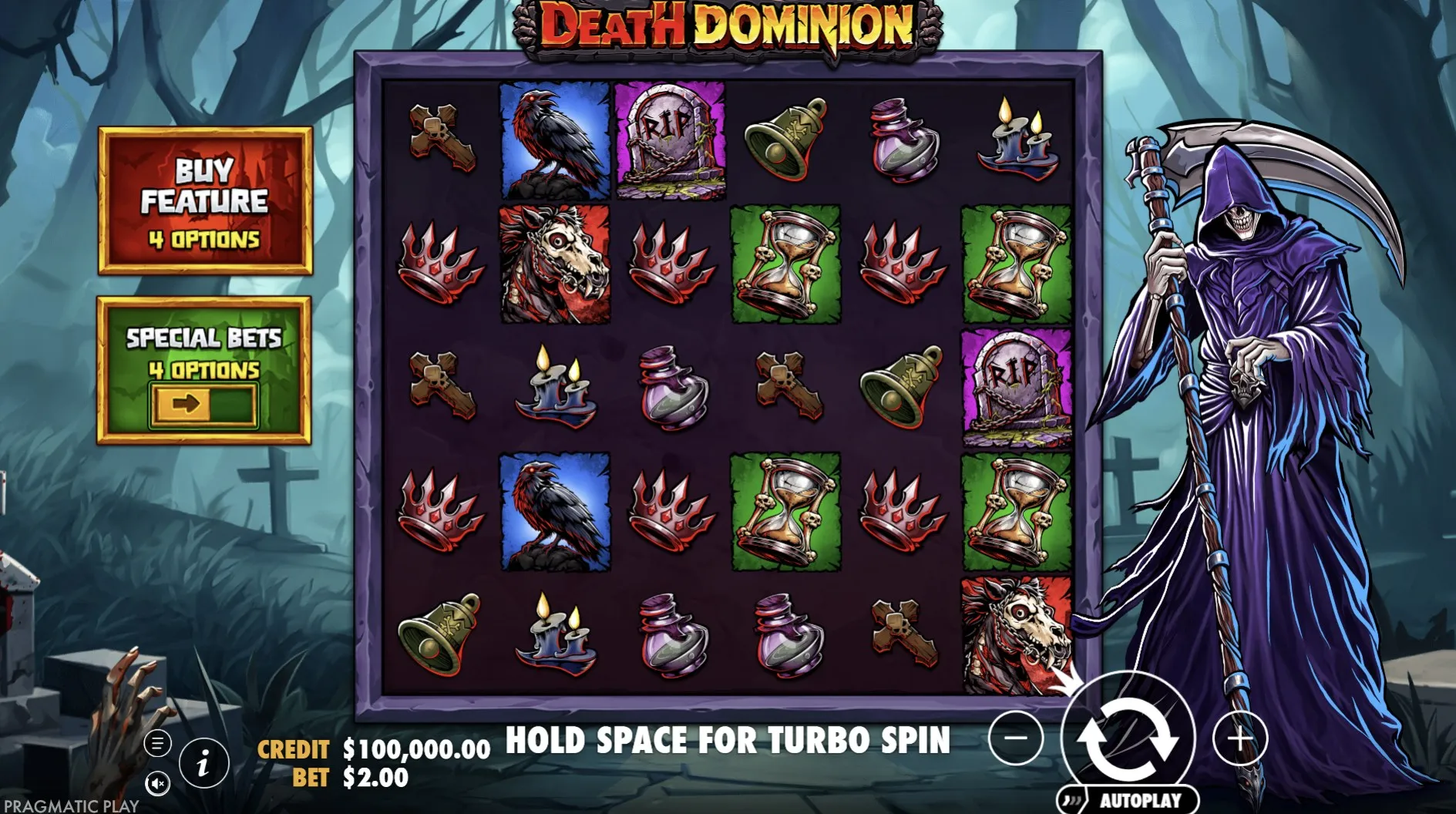
Identify the screen
First check the game title and the browser tab. A home card, a game page and an embedded game can look related while representing different places. Then look for plain text: a loading message, a result, a menu or an invitation to begin. Give a moving display time to settle. The image of a reel is not enough to tell you whether the last action finished, and tapping quickly may only make the sequence harder to follow.
A return routine
- Confirm the title and the page you have returned to.
- Read any message covering the game area before closing it.
- Locate the current balance label and the next available control.
- Choose whether to continue, read the help or leave the session.
If you cannot tell whether the previous tap registered, avoid treating another tap as a diagnostic tool. Wait for an explicit state or look for an available history panel, without assuming that every title has one. Mobile social games may present similar graphics in different stages. A screenshot can record what you can see, but it cannot establish what happened while the browser was out of view or whether an unseen action completed.
Check the controls
A phone held sideways may return upright, leaving buttons and labels in unfamiliar positions. Before continuing, find the information, sound and main action controls again. If text is clipped, try a comfortable orientation or the browser’s available reading controls, then inspect the layout. Do this while the game is idle. The goal is a screen you can understand without guessing at a partially hidden label or reaching across another control.
| Visible clue | Next step |
|---|---|
| Loading message | Wait for a clear state before acting. |
| Result panel | Read its labels before dismissing it. |
| Changed layout | Locate the controls again. |
Separate the browser’s controls from those inside the game. Leaving full screen, going back a page and closing a result panel are different actions even when their icons sit near one another. If you are unsure, pause instead of trying each symbol in turn. Comfort in mobile social games comes partly from knowing where you are. Bigger graphics alone do not help if the route to the help text or the exit remains unclear.
Handle uncertain progress
A familiar balance after returning does not prove that a session was saved, and a changed balance does not explain why it changed. Read any reset or restart wording that the game provides. Browser storage, a game service and an account can play different roles, but do not assume which applies here. Avoid clearing site data as a first response to an unclear screen: that may remove information that would have helped you describe the problem.
- Note the game title and the message you actually saw.
- Keep personal messages and account details out of shared images.
- Describe the interruption without inventing a cause.
A feature counter may simply need a closer explanation; the Hold and Win questions offer a starting point. For help describing the experience to someone else, try swapping game notes. You can leave a question unresolved and close the page. A free game does not create an obligation to reconstruct every round before getting on with your day.
Author’s opinion
I treat returning to mobile social games as a new decision about my attention. If the screen is clear and I still want to play, I continue; if either condition is missing, I stop. I would rather leave a virtual result unexplained than turn a short break into a long repair exercise. The best return routine is small enough to remember and flexible enough to end with putting the phone away.